Free mood wallpapers for your phone
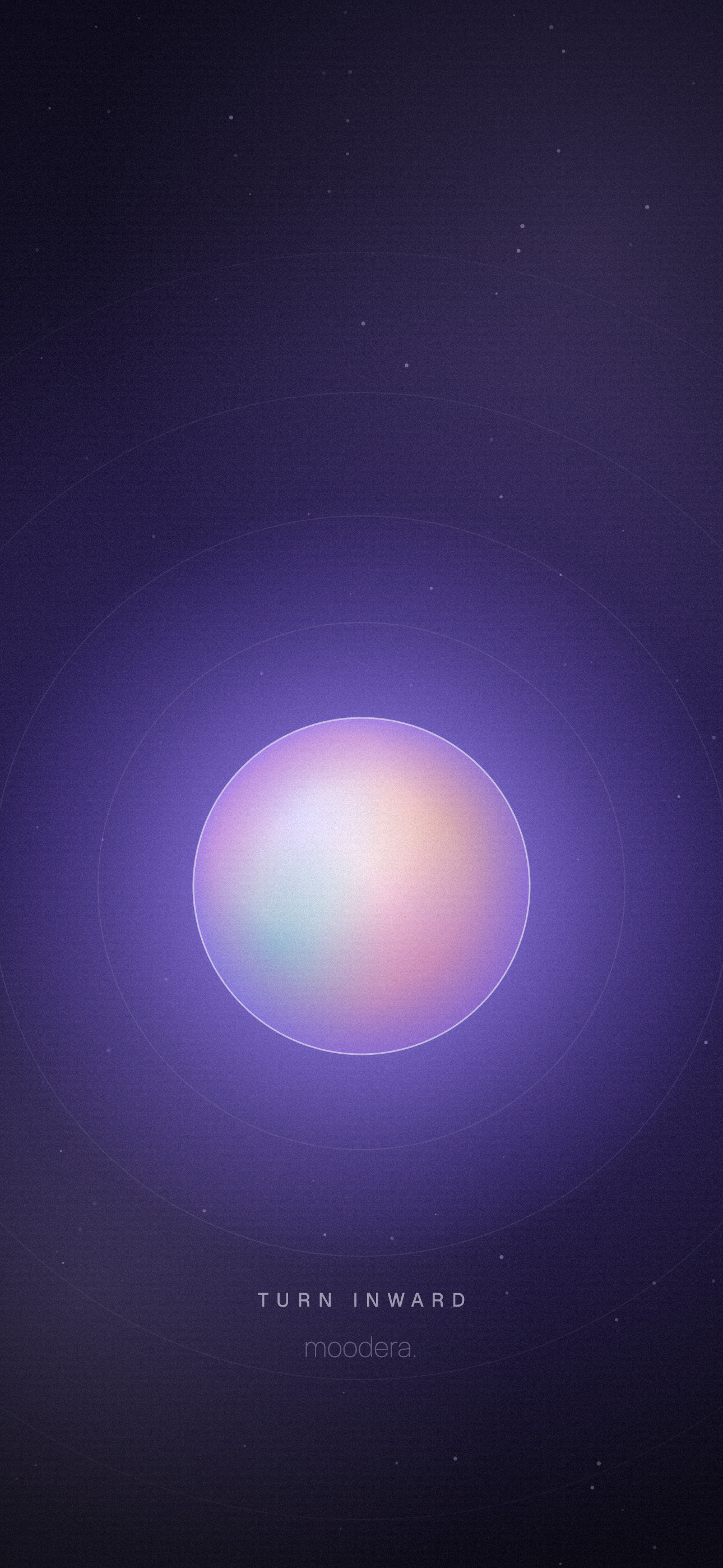
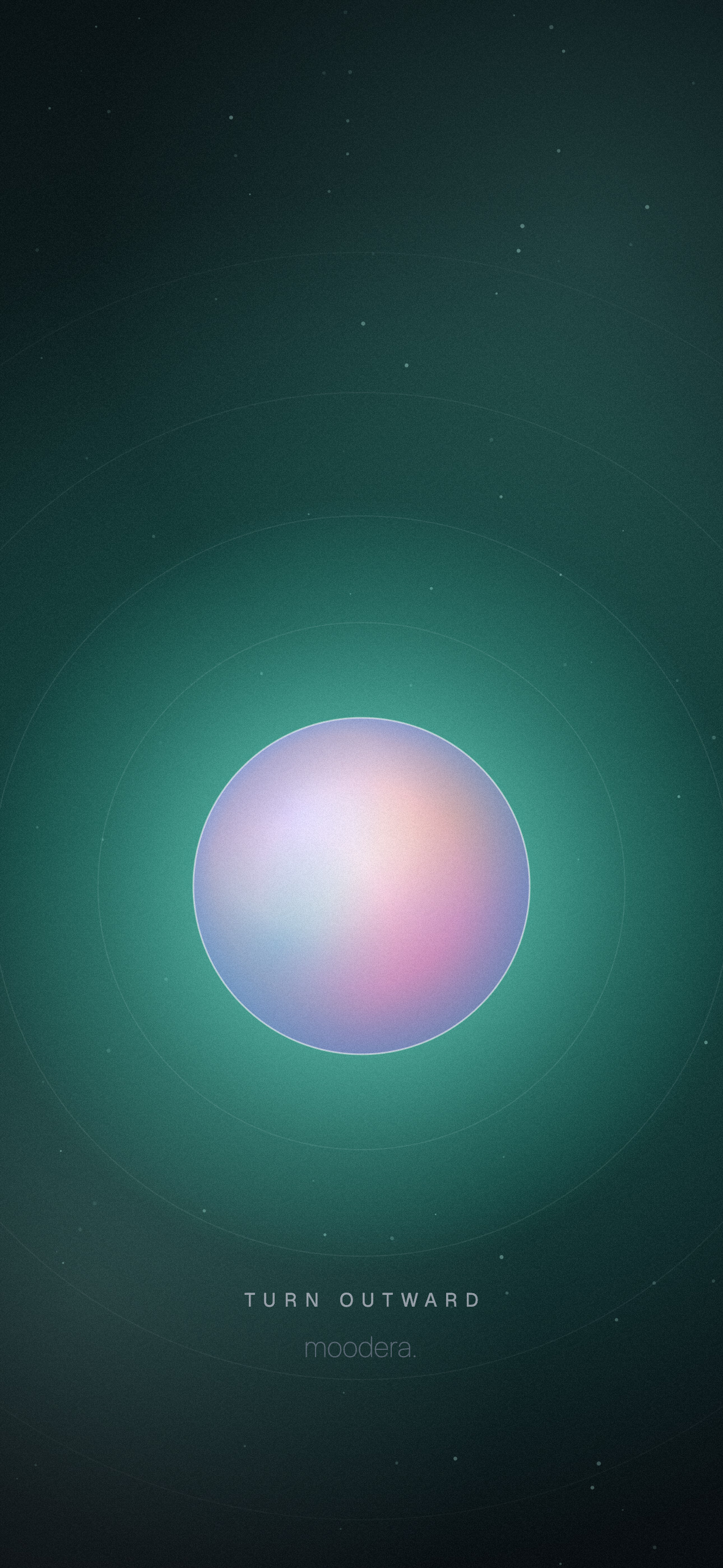
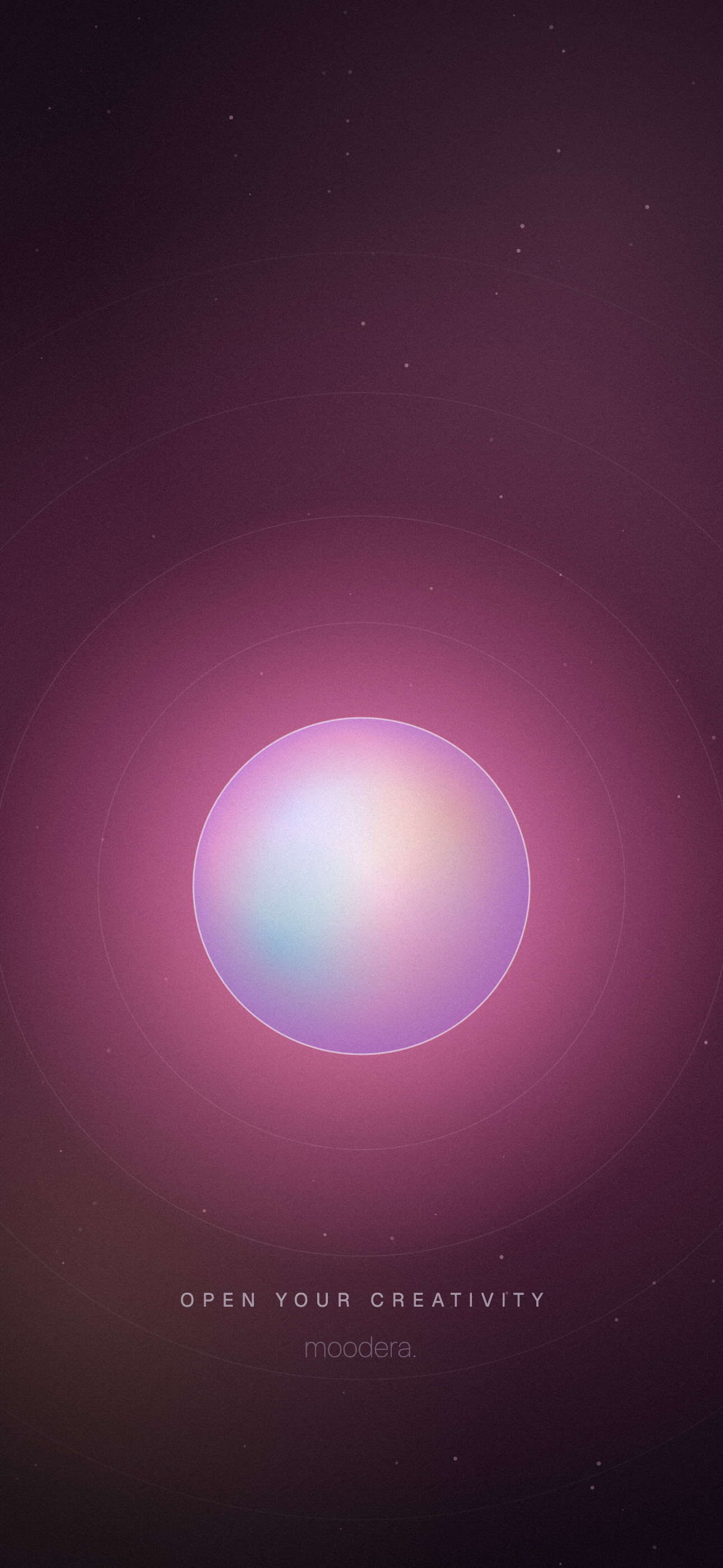
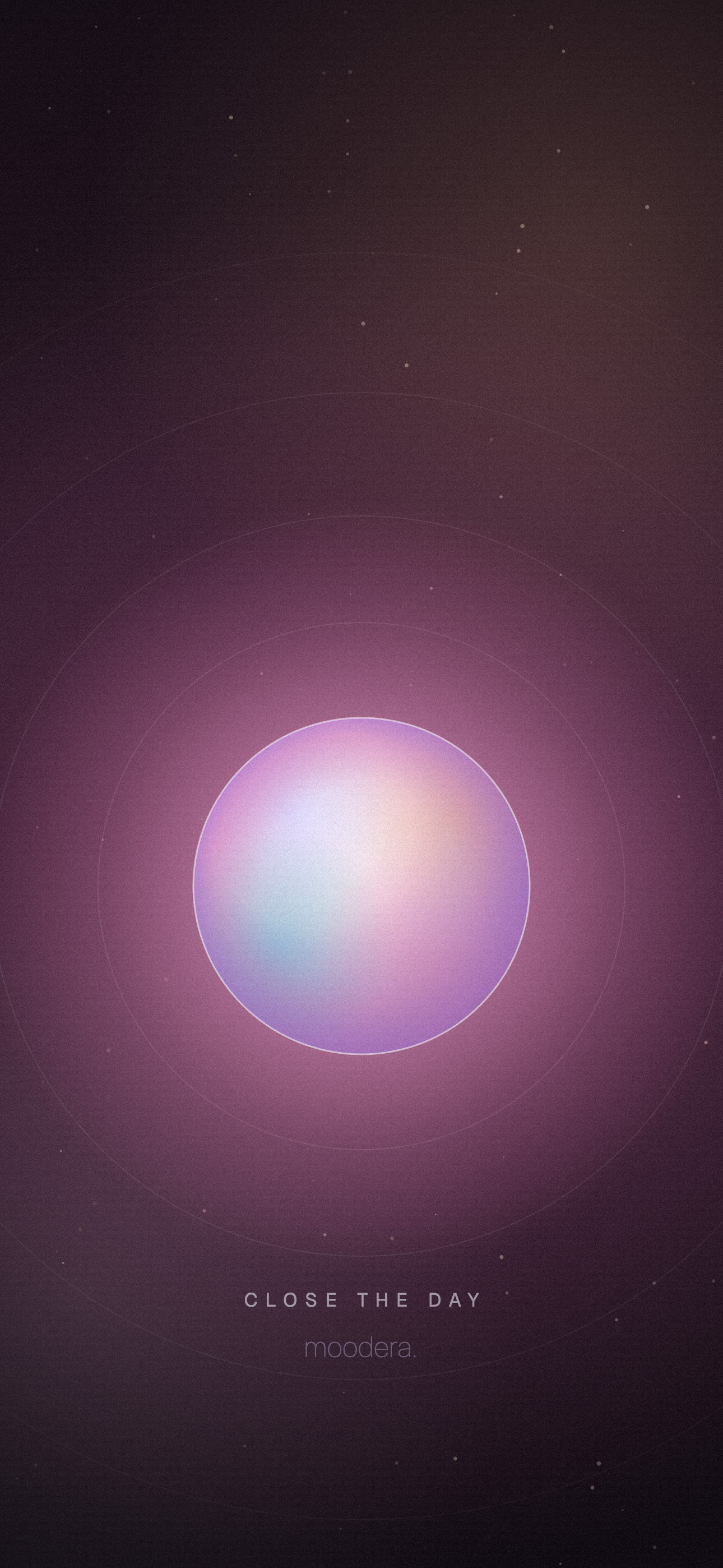
Eight lock screen wallpapers, one for each Moodera mode. Pick the one that matches how you want today to feel. Free to download, no sign-up.
How to set one
iPhone: tap Download, open the image, press Share, then Use as Wallpaper. Move the orb below the clock and tap Add.
Android: tap Download, open the image in Gallery or Google Photos, then choose Set as wallpaper for the lock screen.
Made for 1290 x 2796 screens, they scale cleanly to any modern phone.
Want the music to match?
Moodera asks two short questions and shapes a flow of music around your mood, so you do not have to hunt for a playlist.